When I heard that someone had vibecoded most of Adobe Creative Suite’s core feature set, I was excited. Then after downloading and playing with PDFCraft, I’m delighted to say that it is the best bloatware alternative I’ve seen in decades. Here’s how to deploy it via Intune so you can deploy it to your company and/or make it available in the company portal app.
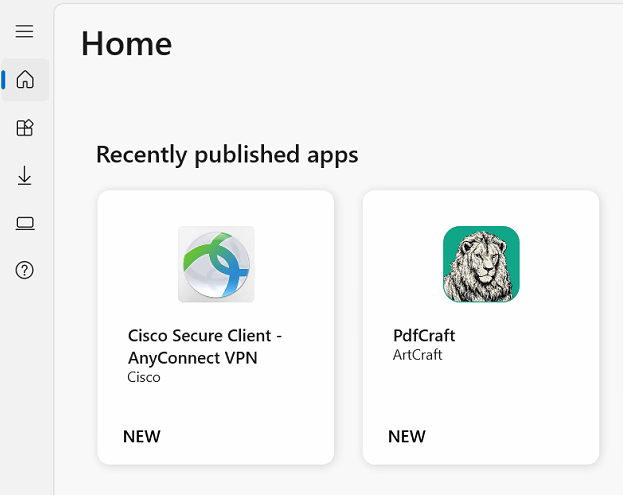
- Download the free MSI installer for PdfCraft from ArtCraft’s website.
- Log into Intune.
- Click Apps->Windows->+Create to create a new app to deploy.
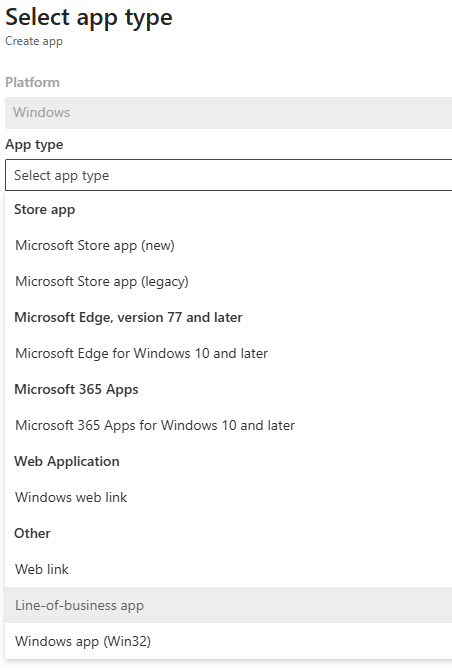
- Select Line-of-business app.
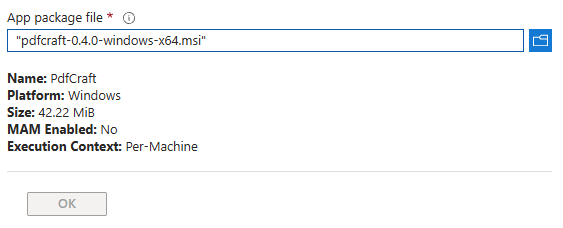
- Select the browse button for App package file and chose the MSI file downloaded in step 1.
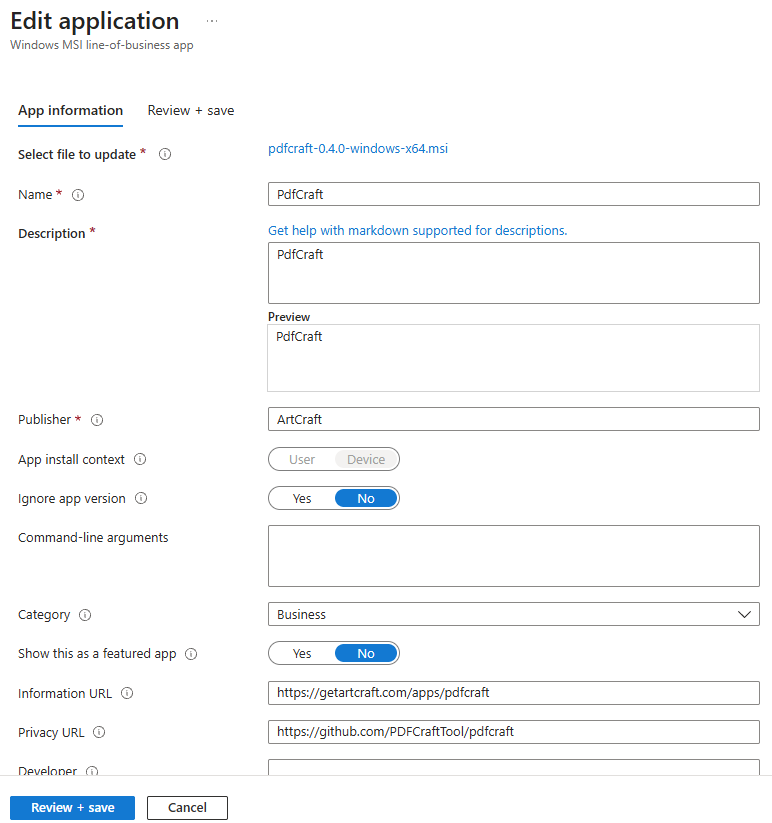
- Fill in the required information for the App including the App Name, Description and Publisher. Optionally select a picture of the app to help your staff identify it in the Company Portal. Then click Review + Save.
- Wait a few minutes for the app to get uploaded to Intune.
- Open the Company Portal app on an intune managed workstation and select the PdfCraft app and click Install.
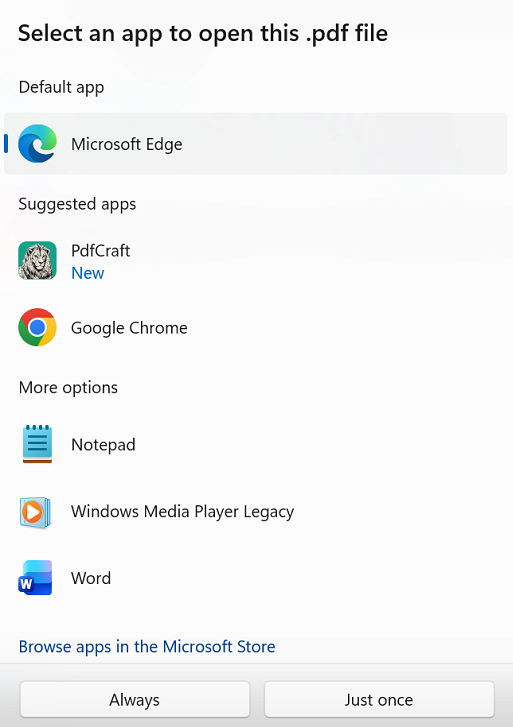
- (OPTIONAL) Associate PDF documents with PdfCraft by right-clicking any PDF and selecting Open With and then select the PdfCraft app and select Always.
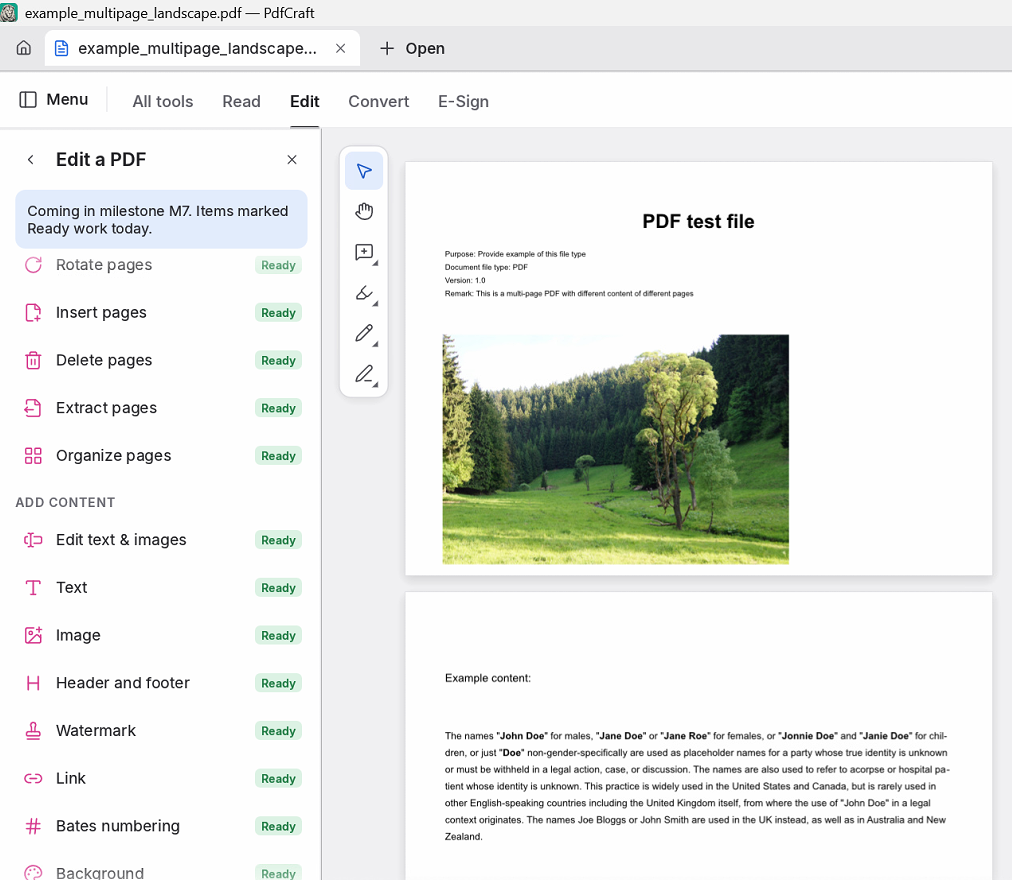
- Enjoy using a lightweight free PDF app for Windows with out of the box functionality for editing, signing, and more.
Leave a Reply